 한국어
한국어
 English
Simple and Powerful Image Tools
Compress, convert, and resize images directly in your browser without uploading them to a server.
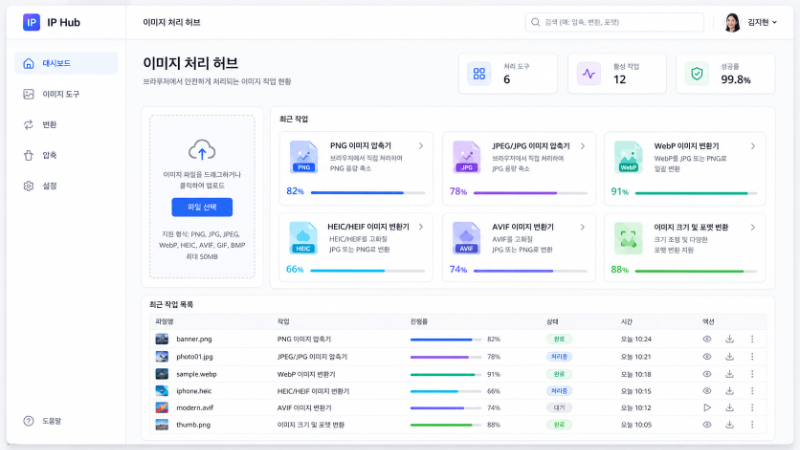
Compress Images
Reduce PNG and JPEG/JPG file sizes directly in your browser.
View Compressorsarrow_forwardConvert Formats
Batch-convert WebP, HEIC/HEIF, and AVIF images to JPG or PNG.
View Convertersarrow_forwardResize and Convert
Resize with pixels, ratios, long-edge rules, and SNS/web presets, then export to multiple formats.
Open Resizerarrow_forwardAll Image Tools
Choose the right tool for your image format and task.
PNG Image Compressor
Shrink PNG images while keeping quality.
chevron_rightJPEG/JPG Image Compressor
Shrink JPEG and JPG images.
chevron_rightWebP Image Converter
Batch convert WebP images to JPG or PNG.
chevron_rightHEIC/HEIF Image Converter
Batch convert iPhone HEIC/HEIF photos to JPG or PNG.
chevron_rightAVIF Image Converter
Batch convert AVIF images to JPG or PNG.
chevron_rightImage Resizer and Format Converter
Resize images by pixels, ratio or social media presets and change formats.
chevron_rightPNG Sprite Cutter
Cut sprite sheets into individual transparent PNGs.
chevron_rightGIF / Animated WebP Maker
Turn multiple images into an animated GIF or WebP.
chevron_rightGIF Compressor
Shrink GIF animations.
chevron_rightGIF ↔ WEBP Converter
Convert between GIF and WebP.
chevron_rightPSD Viewer
Open Photoshop (PSD) files without installing anything.
chevron_rightImage AI / Watermark Detector
Check images for AI-generation traces and watermarks (C2PA).
chevron_rightPhoto Privacy Checker & Remover
Check and remove personal data such as location from photos.
chevron_rightSimple 3-Step Process
Select Files
Drag and drop images or browse to select files.
Set Options
Choose quality, output format, dimensions, and other options.
Download Results
Download the images processed directly in your browser.
Your images stay on your device
Image processing runs locally with browser technologies and WebAssembly. Your private files are not uploaded to an external server, providing faster and safer processing.